
Day 07 — Randomisation and Python Lists
Day 9 of 100 Days of Python Bootcamp
What is Randomisation?
Computers are not truly random — they are built with circuits and switches that follow fixed rules. But randomness is crucial in software, especially in games. Imagine if every move in a video game was pre-determined — boring! To solve this, computer scientists invented pseudorandom number generators. Python's random module is built on one of the most popular ones: the Mersenne Twister.
importing the Random Module
To use randomisation in Python, you first need to import the module:
import random
Python allows us to import code from other files (called modules) to keep our code organised and reusable.
Modules in Python
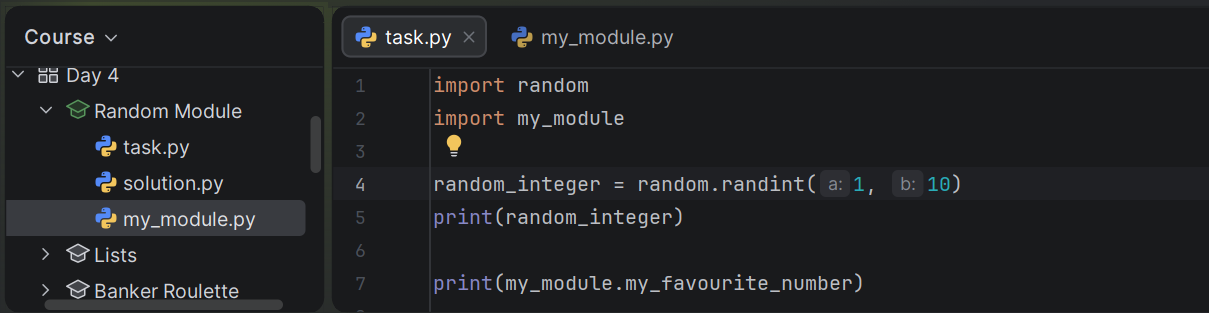
Python lets you split code across multiple files. You can create your own module simply by creating a new .py file and importing it:
import random
import my_module

random_integer = random.randint(1, 10)
print(random_integer)

print(my_module.my_favourite_number)
This keeps your code clean, organised, and reusable.

Random Whole Numbers — randint()
To generate a random whole number within a range:
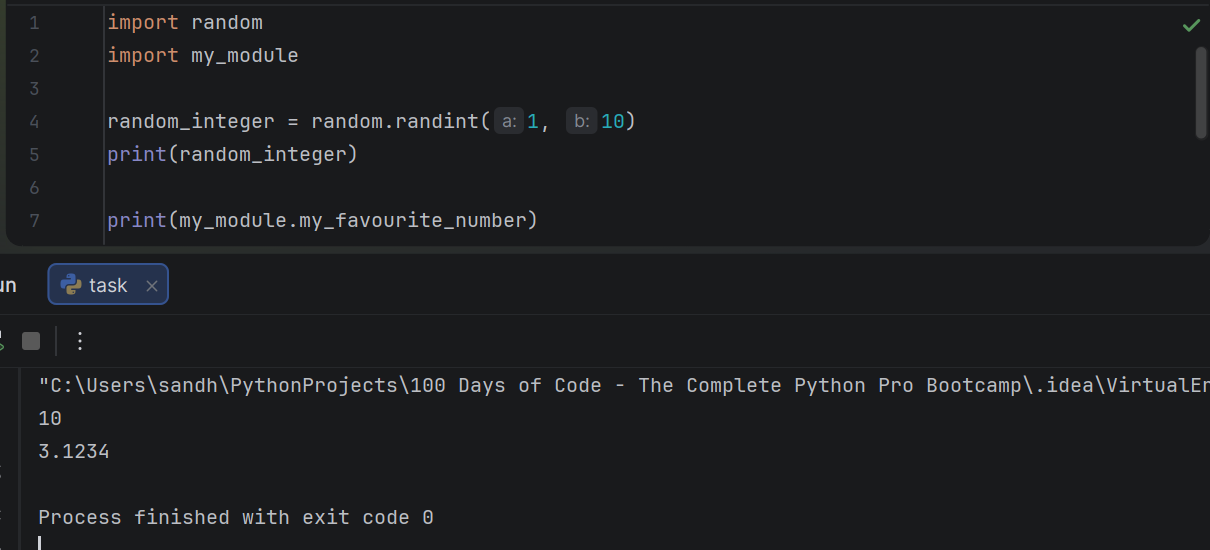
random_integer = random.randint(1, 10)
print(random_integer)
randint(1, 10) returns a random integer between 1 and 10, inclusive — meaning both 1 and 10 are possible outputs. Every time you run it, you get a different number.
Random Floats — random.random()
To generate a random floating-point number between 0 and 1:
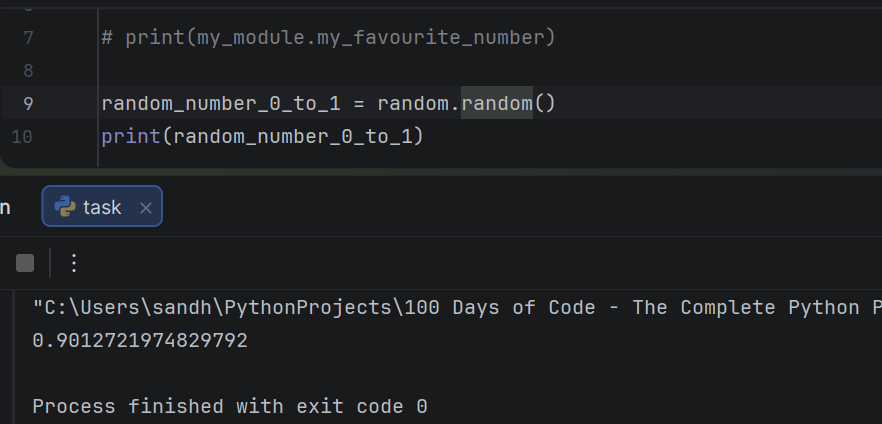
random_number_0_to_1 = random.random()
 print(random_number_0_to_1)

# Output: 0.9012721974829792
The range is: 0.0 <= random.random() < 1.0 — it includes 0 but never reaches 1.
You can expand the range using multiplication:
random_number_0_to_10 = random.random() * 10
print(random_number_0_to_10)

# Output: 4.056914740971257
This gives a number between 0 and 10, but never exactly 10.
Random Floats with Range — random.uniform()
If you want a float within a specific range (potentially including the upper bound):
random_float = random.uniform(1, 10)
print(random_float)
# Output: 1.013310211464811
The range is: a <= random.uniform(a, b) <= b
Quick comparison:
Use
random.random()when you don't want the upper bound includedUse
random.uniform(a, b)when you may want the upper bound included
Mini Project: Heads or Tails 🪙
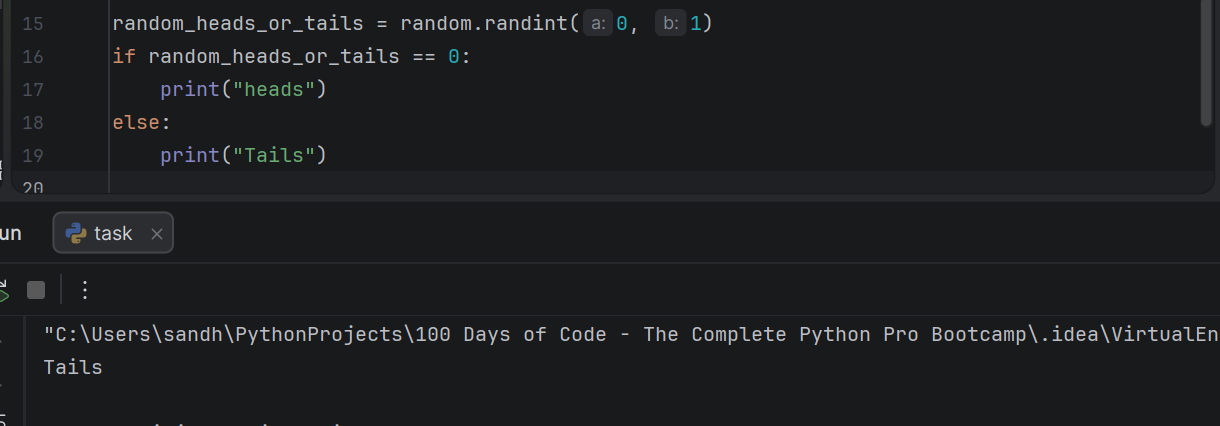
Using randint(), we can simulate a coin flip:
random_heads_or_tails = random.randint(0, 1) if random_heads_or_tails == 0:
    print("Heads")
else:
    print("Tails")
Every run randomly prints either Heads or Tails — a great way to practice randomisation!
Key Takeaways
Python's
randommodule uses a pseudorandom number generator under the hoodrandint(a, b)→ random whole number, both bounds inclusiverandom.random()→ float between 0.0 and 1.0 (0 included, 1 excluded)random.uniform(a, b)→ float within a range, upper bound may be includedModules help you organise and reuse code across files.
https://docs.python.org/3/library/random.html#random.random
Lists
What is a List?
A list is an ordered collection of items in Python. You can store anything in a list — strings, numbers, or even other lists.
fruits = ["Cherry", "Apple", "Pear"]
Or a bigger one:
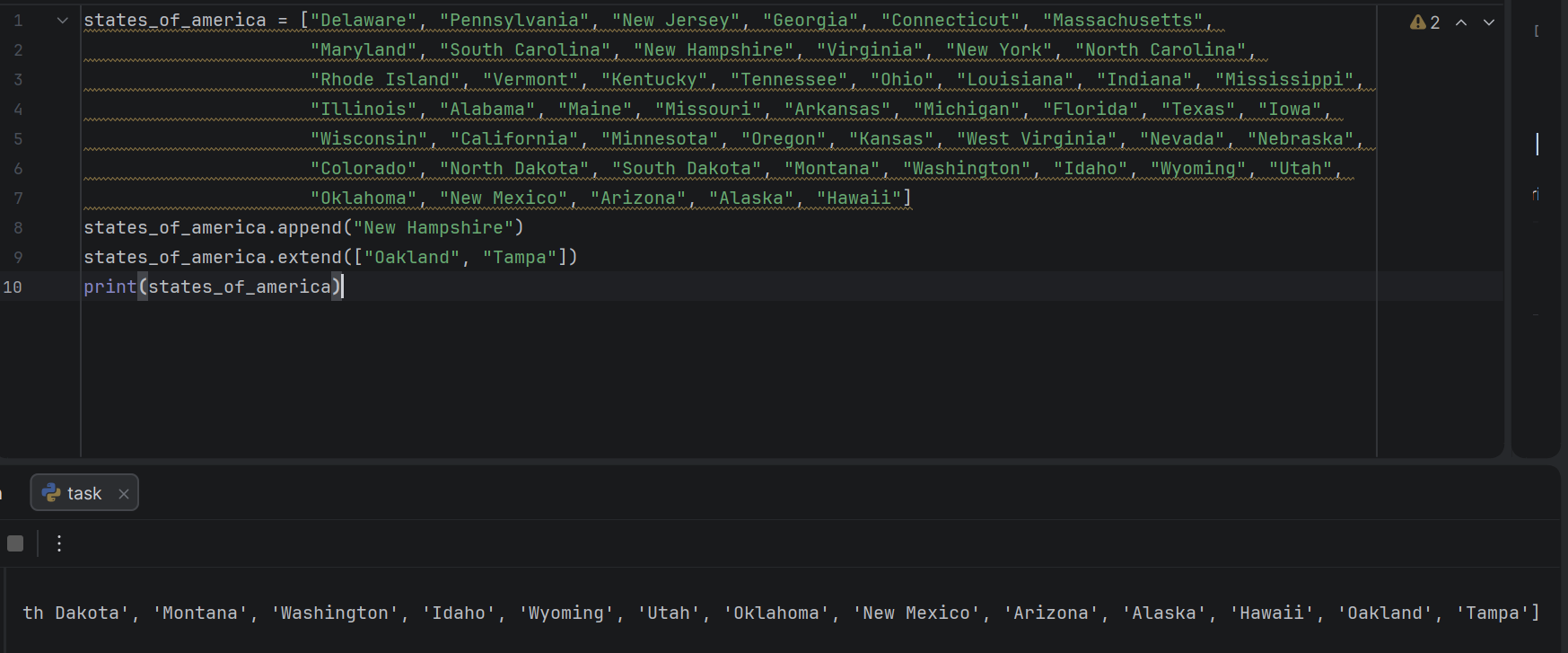
states_of_america = ["Delaware", "Pennsylvania", "New Jersey", "Georgia",
                     "Connecticut", "Massachusetts", "Maryland", ...]
Accessing Items
Lists are zero-indexed — counting starts at 0, not 1.
states_of_america[0] # "Delaware"
states_of_america[1] # "Pennsylvania"
Negative indices let you count from the end:
fruits[-1]  # "Pear" (last item)
fruits[-2]  # "Apple" (second to last)
Modifying Items
Use the same index syntax to change an item:
fruits = ["Cherry", "Apple", "Pear"]
fruits[0] = "Orange"
# ["Orange", "Apple", "Pear"]
Adding Items
Use append() to add a single item to the end:
fruits.append("Orange")
# ["Cherry", "Apple", "Pear", "Orange"]
Use extend() to add multiple items at once:
fruits.append("Orange")
# ["Cherry", "Apple", "Pear", "Orange"]
Key Takeaways
Lists are ordered and zero-indexed
Negative indices access items from the end
Use
append()to add one item,extend()to add manyYou can modify any item using its index
Banker Roulette — Who Pays the Bill?
A fun mini project that combines randomisation and lists together. The goal is to randomly pick a name from a list of friends to decide who pays the bill!
There are two ways to do this:
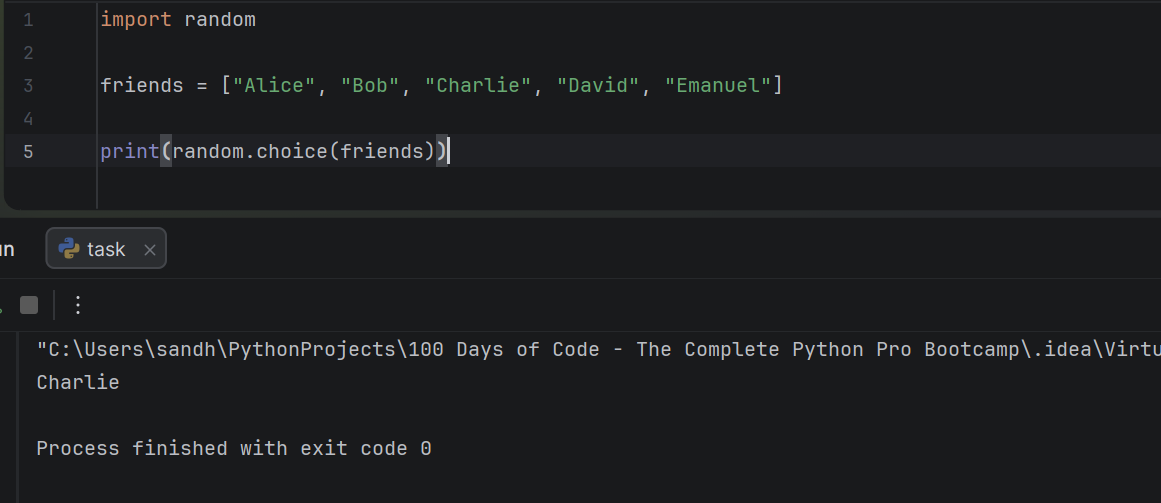
Option 1 — Using random.choice()
The simplest way. Python picks a random item from the list directly:A
import random

friends = ["Alice", "Bob", "Charlie", "David", "Emanuel"]
print(random.choice(friends))
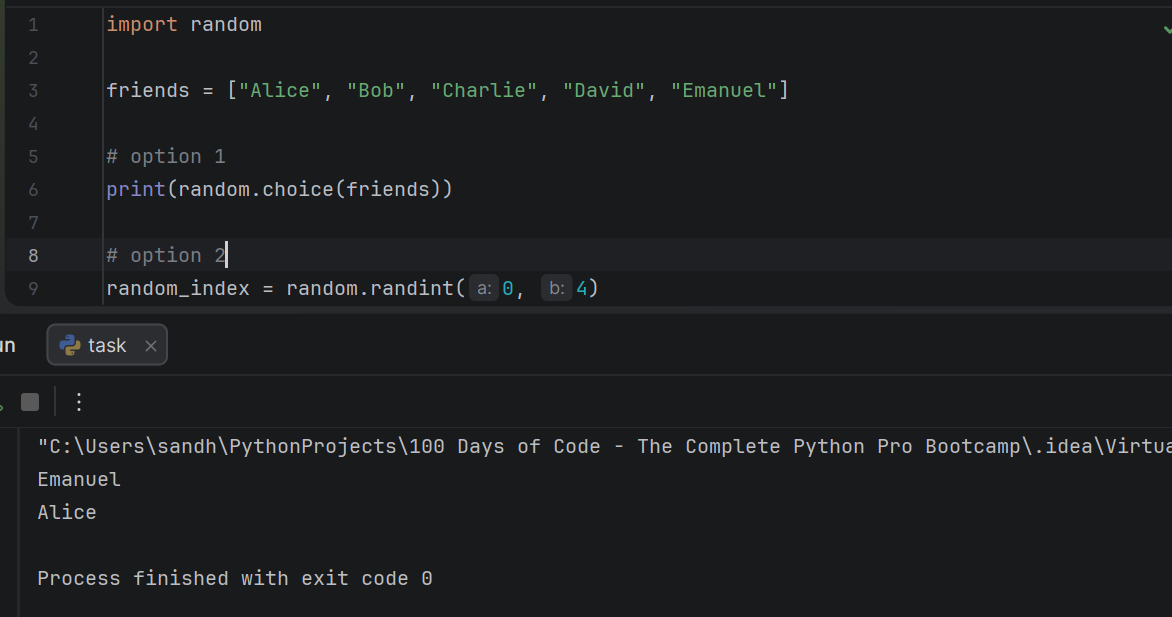
Option 2 — Using random.randint() as an index
Generate a random index number and use it to access the list:
random_index = random.randint(0, 4)
print(friends[random_index])
Both approaches give the same result — a randomly picked friend. Option 1 is cleaner and more Pythonic, while Option 2 helps you understand how indexing and randomisation work together.
IndexError & List Length in Python
Getting the Length of a List
Use len() to find how many items are in a list (or how many characters are in a string):
fruits = ["Cherry", "Apple", "Pear"]
print(len(fruits))  # 3
This is especially useful when picking a random item safely:
random_index = random.randint(0, len(fruits) - 1)
print(fruits[random_index])
We use len(fruits) - 1 because the last index is always one less than the length.
IndexError
When you try to access an index that doesn't exist in the list, Python throws an IndexError:
fruits = ["Cherry", "Apple", "Pear"]
print(fruits[5])  # IndexError: list index out of range
Always make sure your index is within 0 to len(list) - 1.
Nested Lists
You can also put lists inside lists — called a nested list:
fruits = ["Cherry", "Apple", "Pear"]
vegetables = ["carrot", "spinach", "cucumber"]

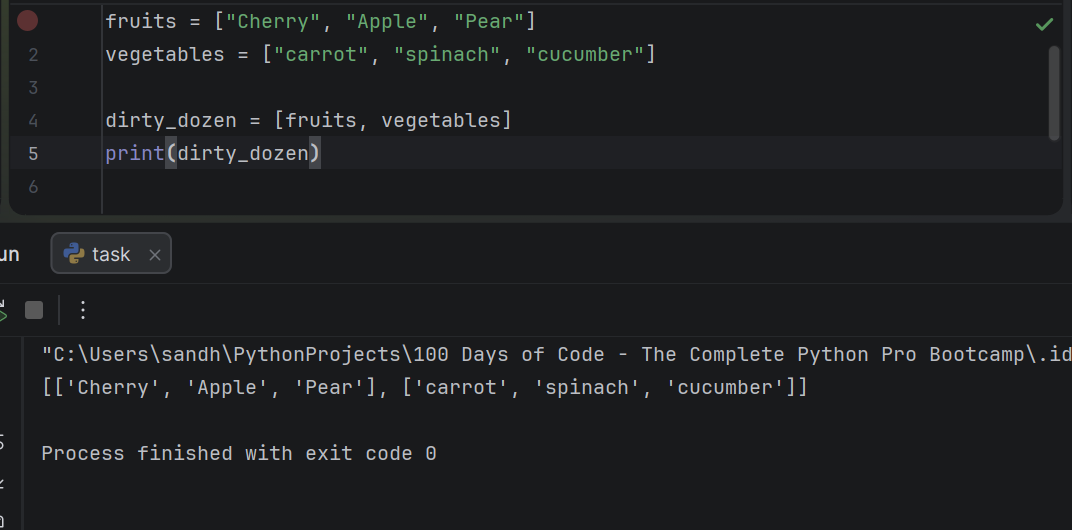
dirty_dozen = [fruits, vegetables]
print(dirty_dozen)
# Output: [['Cherry', 'Apple', 'Pear'], ['carrot', 'spinach', 'cucumber']]
To access items inside a nested list, use two indices:
dirty_dozen[0][1]  # "Apple"
dirty_dozen[1][0]  # "carrot"